



From Silicon to Software: How Computers Became the World’s Universal Tool
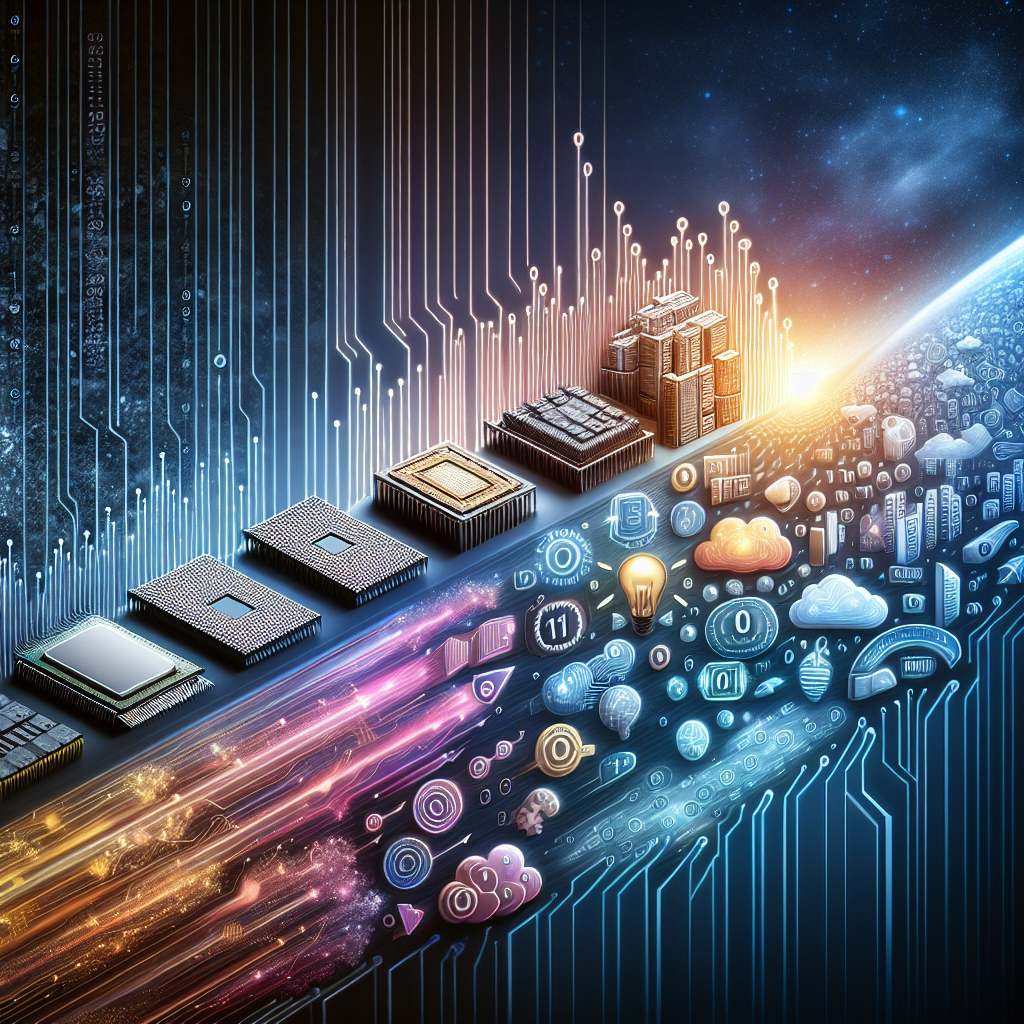
What a Computer Really Is
A computer is a programmable machine that accepts input, processes it according to instructions, stores information, and produces output. While that definition sounds simple, it covers everything from a smartwatch to a supercomputer. What makes computers distinct from most other machines is flexibility: the same device can write a novel, simulate weather patterns, render a movie, or control a factory line—depending on the software it runs.
Modern computers operate using digital logic, representing information as binary values (0s and 1s). These bits combine to form larger units like bytes and gigabytes, allowing the system to represent numbers, text, images, audio, and complex program instructions in a consistent, machine-readable way.
Core Components and How They Work Together
Although computers come in many shapes, most share a common architecture. Understanding the main parts clarifies why some devices feel fast and responsive while others struggle under heavy workloads.
- CPU (Central Processing Unit): The “brain” that executes instructions. Its speed depends on factors like clock rate, core count, and the efficiency of its design.
- RAM (Random Access Memory): Short-term working memory. More RAM helps when multitasking, editing large files, or running modern applications.
- Storage: Long-term data retention. SSDs (solid-state drives) are faster and more durable than HDDs (hard disk drives), improving boot and load times.
- GPU (Graphics Processing Unit): Specialized for parallel computation. Essential for gaming and 3D work, and increasingly important for AI and scientific workloads.
- Motherboard and Buses: The main circuit board and communication pathways that connect components and coordinate data transfer.
- Input/Output Devices: Keyboards, mice, touchscreens, sensors, displays, printers, and network adapters that connect the computer to people and the world.
These elements form a pipeline: input arrives from devices or networks, programs in memory instruct the CPU and GPU to process the data, results are displayed or transmitted, and important information is saved to storage.
Software: The Hidden Engine
Hardware alone does nothing. Software provides the instructions, and it typically comes in layers. At the bottom is the operating system (like Windows, macOS, Linux, Android, or iOS), which manages resources such as memory, storage, and peripherals. It also enforces permissions and provides common services so applications don’t need to reinvent basic functions.
Above the operating system are applications: web browsers, office suites, design tools, games, and specialized programs used in engineering or medicine. A third layer often overlooked is firmware, the low-level code stored on hardware components that initializes devices and handles basic control tasks.
Why Updates Matter
Software updates are not just for new features. They frequently patch security vulnerabilities, improve stability, and optimize performance. In a connected world, an unpatched system can become a weak link for an entire home or organization.
Types of Computers in Everyday Life
“Computer” no longer refers only to a desktop tower. Many devices that don’t look like traditional PCs still perform general computing tasks.
- Desktops: Often the best value for performance and upgradeability, commonly used for gaming, content creation, and office work.
- Laptops: Portable all-purpose machines balancing power and battery life, now often rivaling desktops for many tasks.
- Tablets and Smartphones: Touch-first computers optimized for mobility, sensors, and app ecosystems.
- Servers: Computers designed to deliver services—websites, databases, email, streaming—to many users at once.
- Embedded Systems: Purpose-built computers inside cars, appliances, routers, and industrial equipment.
- Supercomputers: Massive systems for climate modeling, physics simulations, genomics, and other large-scale calculations.
Cloud computing blurs these categories further. Many tasks now run on remote servers while local devices act as access points, shifting how we think about “where” computing happens.
Networking and the Internet: Computers in Conversation
A standalone computer can be useful, but networked computers are transformative. Networking allows devices to share data and resources, from home Wi‑Fi printers to global content delivery networks that stream video to millions. The internet itself is a network of networks, built on protocols that standardize how data is packaged, addressed, transmitted, and reassembled.
Key concepts include IP addresses (numerical identifiers), DNS (turning names like a website URL into an IP address), and encryption (protecting data in transit). As more devices connect—smart home gadgets, medical sensors, vehicles—the importance of secure, reliable networking continues to grow.
Security, Privacy, and Responsible Use
Computers store personal photos, finances, health data, and work documents, making them attractive targets for cybercrime. Common threats include phishing, ransomware, spyware, and data breaches. Security is both a technical and human challenge: many successful attacks exploit trust and inattention rather than sophisticated code.
- Use strong, unique passwords and a password manager to keep them organized.
- Enable multi-factor authentication where possible.
- Keep systems updated to patch known vulnerabilities.
- Back up important files using the 3-2-1 approach (multiple copies, different media, one off-site).
- Review permissions for apps and browser extensions, limiting unnecessary access.
Privacy also matters. Many services monetize data through advertising and analytics, which makes it important to understand settings, consent prompts, and what information devices collect.
The Future: Smarter, Smaller, More Specialized
Computers are becoming more energy-efficient and increasingly specialized. Chips now include dedicated blocks for AI acceleration, media encoding, and security functions. Meanwhile, machine learning is changing how software behaves: voice assistants, image recognition, and generative tools can interpret and create content rather than merely compute fixed formulas.
At the same time, society is confronting the costs of computing—energy consumption, electronic waste, and the need for ethical design. Longer-lasting hardware, repairability, and sustainable manufacturing are gaining attention as essential parts of progress.
Conclusion
Computers are no longer just devices on a desk—they are the infrastructure of modern life. By combining versatile hardware with layered software and global connectivity, they enable communication, creativity, automation, and discovery at an unprecedented scale. Understanding their components, capabilities, and risks helps individuals and organizations use them more effectively, safely, and responsibly.
Listings related to article "From Silicon to Software: How Computers Became the World’s Universal Tool"
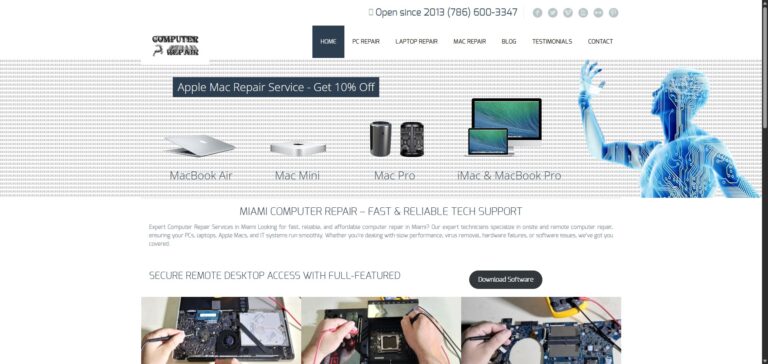
Top-Rated Computer and Mac Repair Services in Miami
Looking for reliable computer and Mac repair services in Miami? Our experienced technicians offer quick, professional solutions for all kinds of devices—including laptops, desktops, iMacs, MacBooks, and more. Whether you’re facing hardware failures, software glitches, system crashes, or need an upgrade, we’re here to help.
- Category
- Computers » Hardware » Support and Services

Hackaday
A community-driven platform showcasing creative and often unconventional projects related to electronics, hardware hacking, and DIY technology.
- Category
- Computers » Hardware » Do-It-Yourself
More articles like "From Silicon to Software: How Computers Became the World’s Universal Tool"
From Silicon to Software: How Computers Became the Engine of Modern Life
Computers are programmable machines that process data into useful results, powering everything from personal creativity to global infrastructure. This article explains how computers work, their main types, core components, and what’s next for computing.
Inside the Machine: How Computers Turn Ideas into Action
Computers are versatile systems that process data, run software, and connect people and services worldwide. This article explains how they work, what they’re made of, and how to choose and use them wisely.
From Silicon to Society: How Computers Power the Modern World
Computers are programmable machines that process data to perform tasks ranging from simple calculations to complex simulations. This article explains how computers work, the major types, key components, and why they matter in everyday life.