



From Silicon to Society: How Computers Power the Modern World
What Is a Computer?
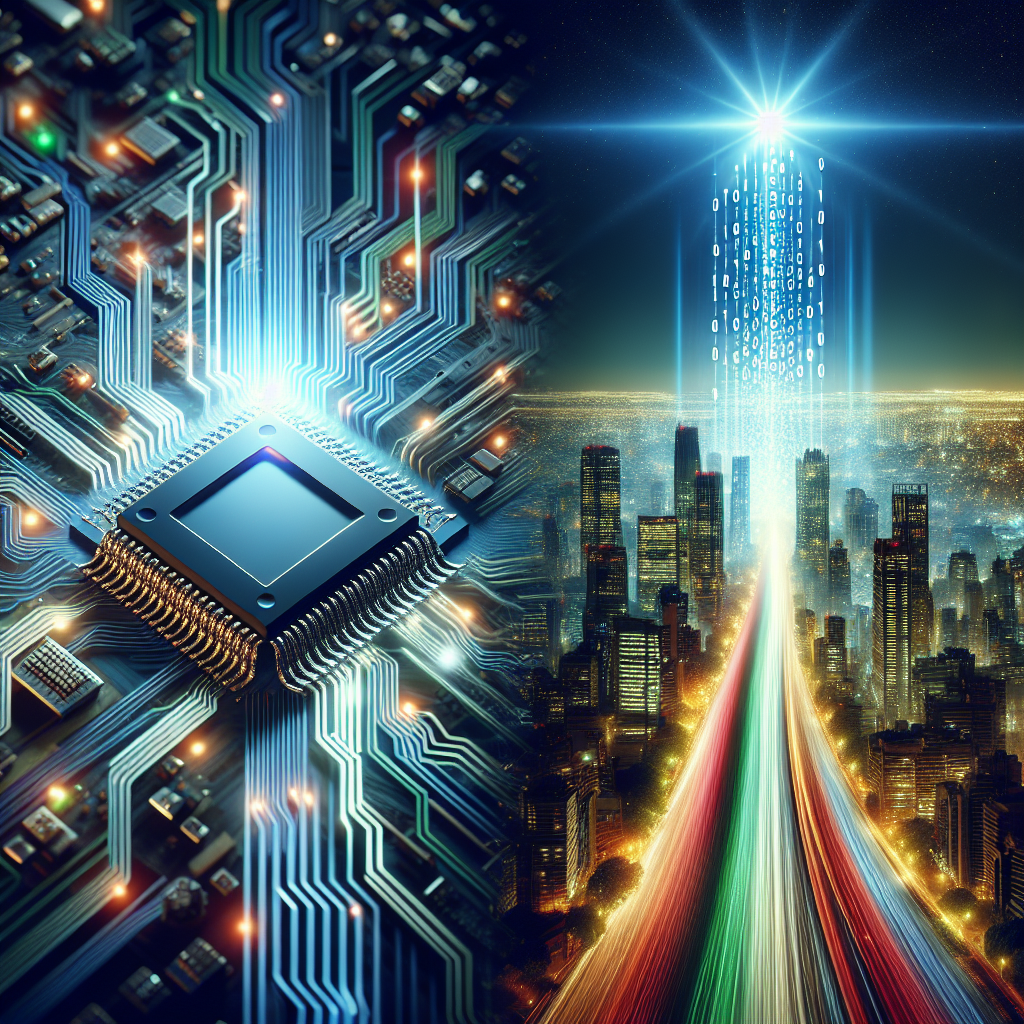
A computer is an electronic device that accepts input, processes data according to instructions, stores information, and produces output. While the word “computer” once referred to people who performed calculations, today it describes a broad family of machines—from tiny sensors in smartwatches to massive servers running global cloud platforms. What ties them together is programmability: computers can be directed to perform different tasks by changing their software rather than rebuilding their hardware.
A Brief Evolution of Computers
The modern computer emerged through decades of innovation. Early mechanical calculators demonstrated that complex arithmetic could be automated. In the 20th century, vacuum-tube systems introduced electronic speed but were bulky and power-hungry. Transistors replaced tubes, dramatically improving reliability and efficiency. Integrated circuits then packed many transistors onto a single chip, enabling smaller and more powerful machines. The microprocessor—an entire CPU on one chip—helped ignite the personal computer era. Today, computers are woven into everyday objects, and progress increasingly comes from parallel processing, specialized chips, and improvements in software.
How Computers Work: The Core Idea
At a fundamental level, computers operate by representing information as binary digits (bits), usually expressed as 0s and 1s. These bits can encode numbers, text, images, sound, and instructions. The computer executes instructions step by step, often in cycles: fetch an instruction from memory, decode what it means, execute it, and then move to the next one. Even when tasks feel “continuous,” such as playing video, they are built from countless discrete operations performed at immense speed.
Hardware vs. Software
Hardware is the physical equipment—chips, memory modules, drives, and peripherals. Software is the set of instructions and data that tells hardware what to do. Operating systems (like Windows, macOS, Linux, Android, and iOS) manage resources, while applications (browsers, games, spreadsheets) provide user-facing functionality. Firmware sits in between, providing low-level control for hardware components.
Key Components Inside a Computer
Although designs vary, most computers share several essential parts that work together to run programs efficiently.
Central Processing Unit (CPU)
The CPU is commonly described as the “brain” of the computer. It performs arithmetic, logic, and control operations. Modern CPUs contain multiple cores, each capable of executing instructions in parallel. Performance depends not only on clock speed but also on architecture, cache sizes, and how well software can utilize multiple cores.
Memory (RAM) and Storage
RAM (random access memory) holds data and instructions that are actively in use. It is fast but temporary—its contents disappear when power is off. Storage (such as SSDs or HDDs) keeps data long-term. SSDs offer faster access and durability, while HDDs may provide lower cost per gigabyte for large archives.
Graphics Processing Unit (GPU)
A GPU accelerates graphics rendering and other highly parallel workloads. Beyond gaming and design, GPUs are central to modern machine learning and scientific computing because they can execute many operations simultaneously.
Motherboard, Power, and Cooling
The motherboard connects components through high-speed pathways (buses) and provides slots for expansion. The power supply converts electricity into stable voltages required by components. Cooling—via heatsinks, fans, or liquid systems—prevents thermal throttling and extends hardware lifespan.
Input and Output Devices
Computers interact with the world through input and output (I/O). Common inputs include keyboards, mice, touchscreens, cameras, and sensors. Outputs include displays, speakers, printers, and haptic feedback. Networking is also a form of I/O: computers send and receive data through Wi-Fi, Ethernet, cellular networks, or Bluetooth.
Types of Computers You Encounter Every Day
Not all computers look like a desktop tower. In practice, computing is distributed across devices and environments.
- Personal computers: Desktops and laptops designed for general-purpose tasks like writing, browsing, and creative work.
- Mobile devices: Smartphones and tablets optimized for battery life, portability, and touch interfaces.
- Servers: High-availability machines that deliver websites, run databases, and host applications for many users at once.
- Embedded systems: Specialized computers inside appliances, cars, medical devices, and industrial equipment.
- Supercomputers: Large-scale systems built for extreme performance in simulations, weather modeling, and research.
Why Software Matters More Than You Think
Hardware sets the potential, but software determines what is achievable. Efficient code can make modest hardware feel fast, while poorly designed software can overwhelm powerful machines. Algorithms—step-by-step methods for solving problems—are crucial: a smarter algorithm can reduce a task from hours to seconds. Equally important are user experience design, accessibility features, and reliability engineering, all of which shape how helpful a computer feels in real life.
Computers in Society: Benefits and Trade-Offs
Computers enable productivity, creativity, and communication at an unprecedented scale. They help doctors analyze medical images, allow engineers to design safer structures, and let artists create music and animation with digital tools. At the same time, widespread computing raises real concerns:
- Privacy: Data collection can expose personal habits and sensitive information.
- Security: Malware, phishing, and ransomware exploit technical and human vulnerabilities.
- Digital inequality: Access to devices, connectivity, and training is uneven across communities.
- Environmental impact: Manufacturing and powering devices consumes resources; e-waste management is essential.
Choosing and Maintaining a Computer
For most people, the “right” computer depends on workload. Students and office workers prioritize comfort, battery life, and reliability. Creators may need more RAM, fast storage, and strong GPU performance. Regardless of category, a few habits improve longevity and safety:
- Keep operating systems and apps updated to patch security vulnerabilities.
- Use strong, unique passwords and enable multi-factor authentication.
- Back up important data using a mix of local and cloud storage.
- Maintain airflow and clean dust to avoid overheating.
The Future of Computing
Computing is trending toward specialization and distribution. AI accelerators and edge devices bring powerful processing closer to where data is generated, reducing latency and bandwidth use. Meanwhile, cloud platforms provide elastic resources for businesses and individuals alike. Research in quantum computing explores new ways to handle certain problem types, though practical, widespread use remains a developing story. Whatever form it takes, the computer’s core promise will persist: turning information into action, faster and more flexibly than any single-purpose machine.
Listings related to article "From Silicon to Society: How Computers Power the Modern World"
Top-Rated Computer and Mac Repair Services in Miami
Looking for reliable computer and Mac repair services in Miami? Our experienced technicians offer quick, professional solutions for all kinds of devices—including laptops, desktops, iMacs, MacBooks, and more. Whether you’re facing hardware failures, software glitches, system crashes, or need an upgrade, we’re here to help.
- Category
- Computers » Hardware » Support and Services

Lighting and Supplies
Lighting and Supplies (Lightingandsupplies.com) is your premier destination for safe, efficient LED lighting solutions, catering to commercial and industrial needs. With over 45 years of industry experience and a vast inventory of 100,000’s bulbs, fixtures, and electrical supplies, we offer turnkey solutions for projects of any scale.
Hackaday
A community-driven platform showcasing creative and often unconventional projects related to electronics, hardware hacking, and DIY technology.
- Category
- Computers » Hardware » Do-It-Yourself
More articles like "From Silicon to Society: How Computers Power the Modern World"
From Silicon to Software: How Computers Became the Engine of Modern Life
Computers are programmable machines that process data into useful results, powering everything from personal creativity to global infrastructure. This article explains how computers work, their main types, core components, and what’s next for computing.
Inside the Machine: How Computers Turn Ideas into Action
Computers are versatile systems that process data, run software, and connect people and services worldwide. This article explains how they work, what they’re made of, and how to choose and use them wisely.
From Silicon to Software: How Computers Became the World’s Universal Tool
What a Computer Really Is A computer is a programmable machine that accepts input, processes it according to instructions, stores information, and produces output. While that definition sounds simple, it covers everything from a smartwatch to a supercomputer. What makes computers distinct from most other machines is flexibility: the same device can write a novel, […]