



Inside the Machine: How Computers Turn Ideas into Action
What a Computer Really Is
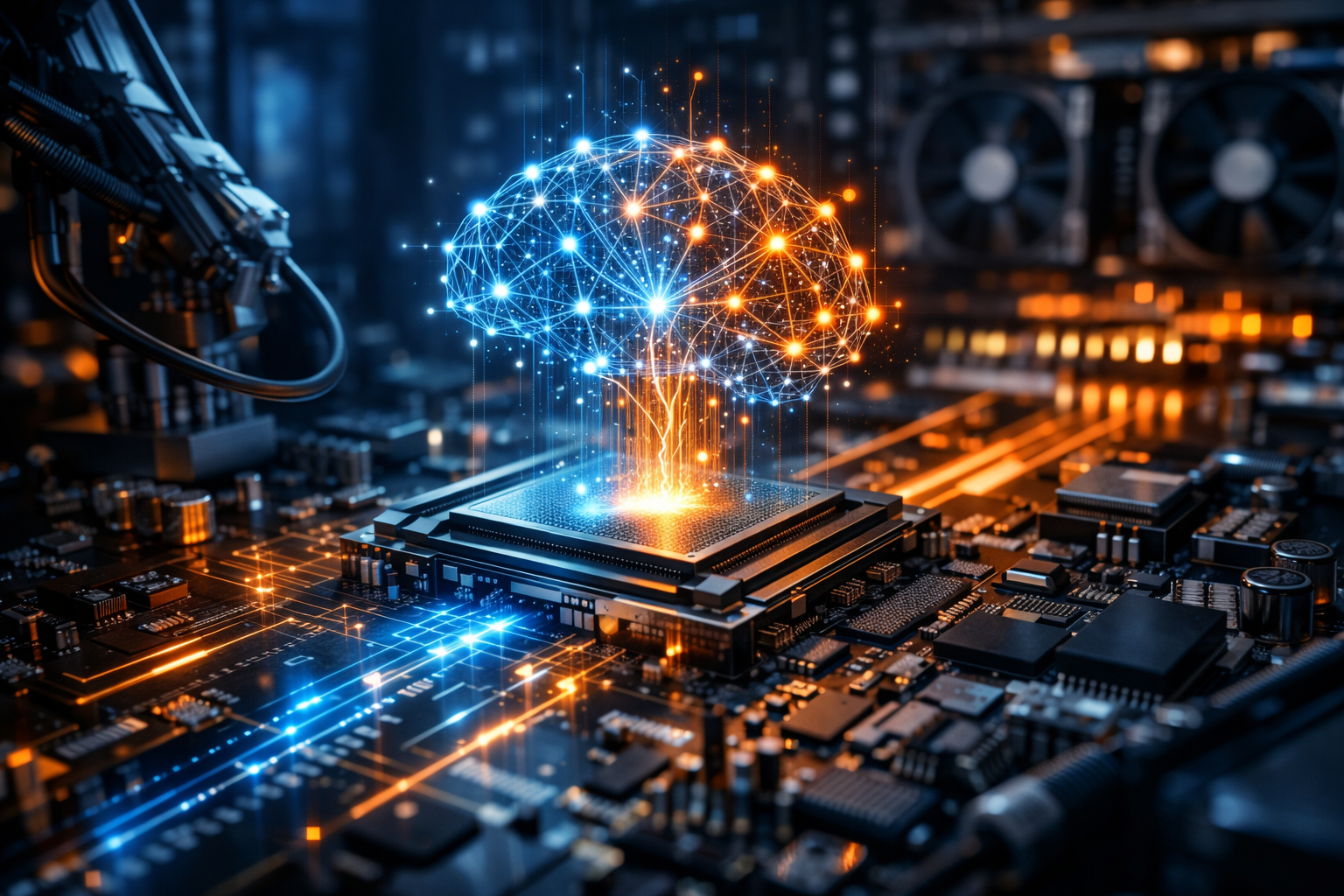
A computer is a programmable machine that accepts input, processes it according to instructions, stores data, and produces output. That definition covers everything from a smartwatch to a supercomputer. What makes computers uniquely powerful is their flexibility: by changing software, the same hardware can edit photos, simulate weather, manage a hospital’s records, or run a video game.
Modern computers are built on the idea of representing information as bits (0s and 1s). These bits can encode numbers, text, images, audio, and instructions. Through layers of hardware and software, those simple binary states become the complex digital experiences people rely on every day.
The Core Building Blocks
Although computers vary in size and purpose, most share a common set of components. Understanding them helps explain performance, reliability, and cost.
CPU: The General-Purpose Workhorse
The Central Processing Unit (CPU) executes instructions and coordinates tasks. It performs calculations, moves data, and manages the flow of a program. Key factors include clock speed, number of cores, cache size, and architectural efficiency. More cores can improve multitasking and workloads like compiling code or rendering, while strong single-core performance often benefits everyday responsiveness.
Memory (RAM): The Short-Term Workspace
Random Access Memory (RAM) stores data currently in use so the CPU can access it quickly. When RAM is insufficient, the system relies more on storage (which is slower), causing lag. Common signs of low RAM include sluggish multitasking, browser slowdowns with many tabs, and reduced performance in creative tools.
Storage: Where Data Lives
Storage holds the operating system, applications, and files. Solid-State Drives (SSDs) are fast and durable, improving boot times and app loading. Hard Disk Drives (HDDs) often offer more capacity per dollar but are slower and more prone to mechanical wear. Many systems combine a smaller SSD for speed with an HDD for bulk storage.
GPU: Graphics and Parallel Power
The Graphics Processing Unit (GPU) accelerates visual rendering and excels at parallel computation. Dedicated GPUs can dramatically improve gaming, 3D design, video editing, and AI-related tasks. Integrated GPUs, built into many CPUs, are power-efficient and sufficient for office work, streaming, and light creative tasks.
Motherboard, Power, and Cooling
The motherboard connects components and determines expandability (extra storage slots, memory capacity, ports). The power supply must deliver stable electricity, while cooling—fans, heatsinks, or liquid cooling—keeps parts within safe temperatures. Heat affects performance because modern chips reduce speed to prevent overheating.
How Software Makes Hardware Useful
Hardware provides potential; software turns it into capability. The operating system (OS) manages resources, schedules tasks, and offers a user interface. Applications sit on top of the OS to perform specific functions like writing documents or editing videos.
Operating Systems in Everyday Life
Desktop and laptop computers commonly run Windows, macOS, or Linux. Each has strengths: Windows offers broad compatibility, macOS integrates closely with Apple hardware, and Linux provides flexibility and transparency favored in servers and development. Mobile devices rely on iOS and Android, which are optimized for touch, sensors, and power efficiency.
Programs, Data, and the “Stack”
Most modern software is built in layers: a program uses libraries, which rely on the OS, which talks to drivers, which communicate with hardware. This “stack” approach speeds development and improves portability. It also explains why updates matter—improving security at one layer protects everything above it.
Types of Computers and What They’re For
“Computer” is an umbrella term. Different categories prioritize different trade-offs.
- Desktops: Highly upgradeable and cost-effective for performance, often preferred for gaming and workstation tasks.
- Laptops: Portable systems balancing performance and battery life; modern models can rival desktops for many workloads.
- Tablets and 2-in-1s: Touch-first devices that can function as lightweight productivity tools with keyboards and styluses.
- Servers: Computers designed to provide services (websites, databases, file storage) reliably and continuously.
- Embedded systems: Specialized computers inside appliances, cars, medical devices, and industrial equipment.
- Supercomputers: Massive clusters optimized for scientific simulations, cryptography, and large-scale research.
Networking: The Computer’s Social Life
A standalone computer is useful, but connected computers transform society. Networks enable file sharing, cloud services, real-time communication, and distributed computing. At home, Wi‑Fi routers link devices to the internet; in organizations, switches and firewalls manage traffic and protect sensitive data.
The internet itself is not one computer but a global system of interconnected networks using shared protocols. When you open a website, your computer sends requests to servers, receives data, and renders it locally—often with content delivered from multiple sources for speed and reliability.
Security and Privacy: Practical Habits That Matter
Because computers store valuable information and connect to networks, they are targets for theft and abuse. Security isn’t only about tools; it’s also about habits and updates.
- Keep software updated: Patches fix vulnerabilities that attackers exploit.
- Use strong authentication: Password managers and multi-factor authentication reduce account takeovers.
- Back up important files: Follow the 3-2-1 approach: three copies, two media types, one off-site.
- Be cautious with downloads and links: Many infections begin with social engineering rather than technical hacks.
- Control permissions: Limit which apps can access location, microphone, camera, and files.
Choosing the Right Computer
The “best” computer depends on what you do. For everyday browsing and documents, prioritize an SSD, sufficient RAM, and a comfortable keyboard and display. For creative work, focus on CPU/GPU strength, color-accurate screens, and fast storage. For gaming, GPU capability and cooling are key. For students and frequent travelers, weight, durability, battery life, and repairability matter.
It also helps to consider longevity. A system with upgrade potential, good thermal design, and reliable components can remain useful for years, reducing long-term cost and electronic waste.
The Future Direction
Computers are evolving toward greater efficiency and specialization. Chips increasingly include dedicated accelerators for graphics, video, and machine learning. Cloud computing shifts some workloads to remote data centers, while edge computing brings processing closer to devices for speed and privacy. At the same time, better displays, quieter cooling, and smarter power management make computers feel more seamless in daily life.
Yet the essential idea remains unchanged: computers are tools for transforming information. Whether you’re writing a poem, running a business, or exploring a new scientific theory, a computer is ultimately a bridge between human intent and automated execution.
Listings related to article "Inside the Machine: How Computers Turn Ideas into Action"
Top-Rated Computer and Mac Repair Services in Miami
Looking for reliable computer and Mac repair services in Miami? Our experienced technicians offer quick, professional solutions for all kinds of devices—including laptops, desktops, iMacs, MacBooks, and more. Whether you’re facing hardware failures, software glitches, system crashes, or need an upgrade, we’re here to help.
- Category
- Computers » Hardware » Support and Services

Hackaday
A community-driven platform showcasing creative and often unconventional projects related to electronics, hardware hacking, and DIY technology.
- Category
- Computers » Hardware » Do-It-Yourself
More articles like "Inside the Machine: How Computers Turn Ideas into Action"
From Silicon to Software: How Computers Became the Engine of Modern Life
Computers are programmable machines that process data into useful results, powering everything from personal creativity to global infrastructure. This article explains how computers work, their main types, core components, and what’s next for computing.
From Silicon to Society: How Computers Power the Modern World
Computers are programmable machines that process data to perform tasks ranging from simple calculations to complex simulations. This article explains how computers work, the major types, key components, and why they matter in everyday life.
From Silicon to Software: How Computers Became the World’s Universal Tool
What a Computer Really Is A computer is a programmable machine that accepts input, processes it according to instructions, stores information, and produces output. While that definition sounds simple, it covers everything from a smartwatch to a supercomputer. What makes computers distinct from most other machines is flexibility: the same device can write a novel, […]